


Write memos
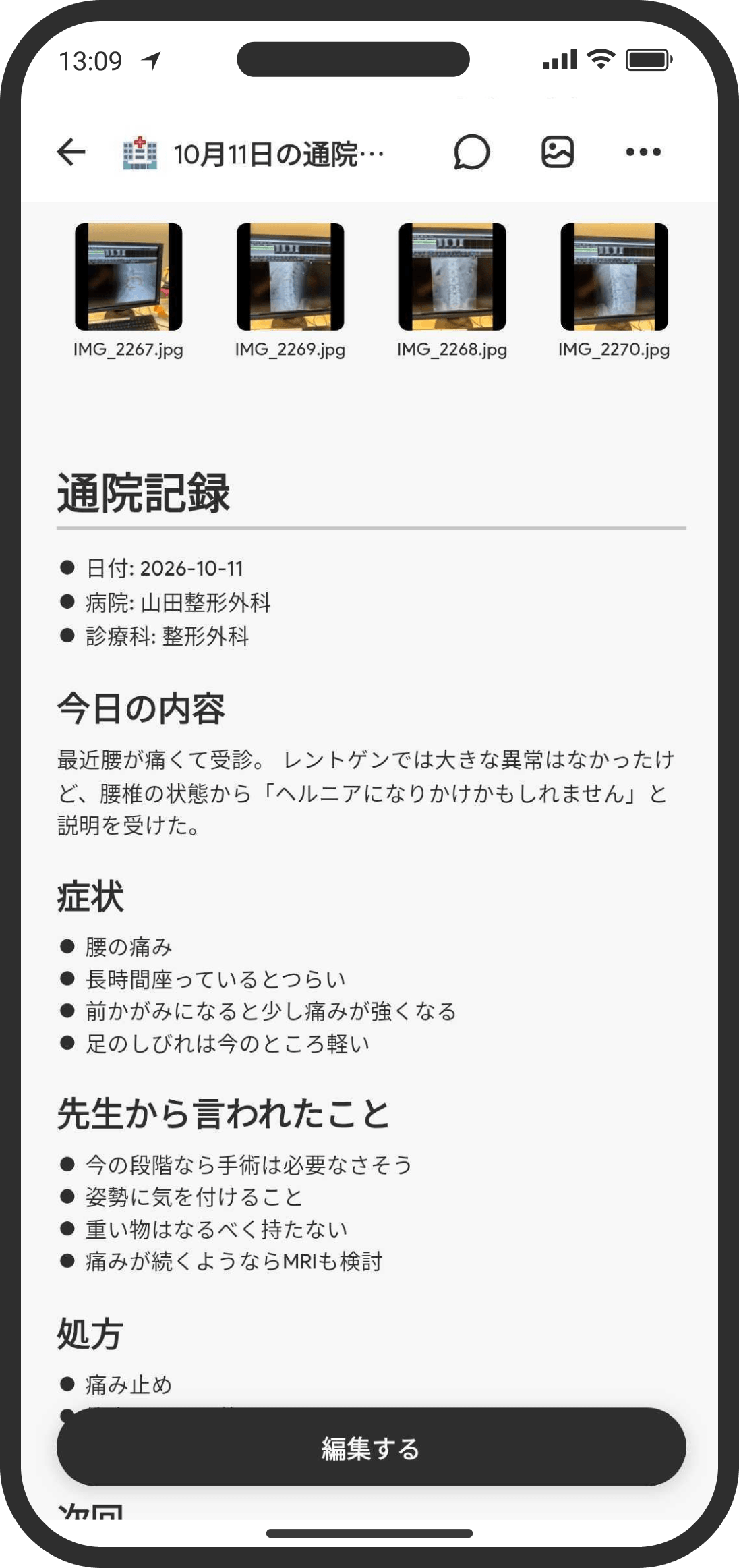
What is it?
A simple memo feature. Use it for things like trip plans or notes on what the two of you talked about. You can format your text (headings, bold, italics, strikethrough, quotes, bullet lists, and more) and attach files.
How to use it
- On the Home screen, tap "+" at the top right of "Top," then "Memo" (in Custom mode, you can also create one from "+" on the Wiki tab's top page or inside a folder).
- When you create it, you can set an icon, a title, and a description.
- The body supports the formatting editor. If you close it partway through, it's kept as a draft.
- You can attach photos and files: up to 3 on the free plan and up to 50 on the COUPPLY PRO plan. You can also pick several files at once with "Choose a File."
- To put away a memo you no longer need, tap the title at the top left, or open the "..." menu at the top right and choose "Show page menu," then "Move to Archive." It disappears from the Home screen and lists, but the data stays and you can restore it from the archive.
FAQ
Q. Can my partner see it?
Yes. It's shared with both of you automatically.
Q. Will my partner be notified when I create or change one?
Yes. Your partner gets a notification when you add, update, or hide a memo. If you don't need these, turn off "Memos" in the push notification settings.
Q. Can I show it on the Home screen?
Yes. Add a "Memo" widget to the Home screen and pick the memo you want to show. It starts out as "Scroll" (fixed height, scrolls inside), and you can switch it to "Full text" (height grows to fit the content) in the widget settings.
Q. Can I tell whether my partner has read a memo?
No. Memos don't show whether they've been read.
Q. Is the title I give a memo searchable?
Yes. Wiki search covers titles, descriptions, and body text.
Q. When I open a memo with a weak signal, it keeps loading.
While the memo's contents can't be loaded because of a weak connection, the app keeps loading instead of showing an empty memo, so you can't accidentally save a blank memo over it (you can't edit it in the meantime). Try opening it again where you have a better connection.
Q. What happens if I tap "Save" several times on a weak connection?
It's saved only once, and your partner gets only one notification. On a weak connection, saving can take a while to finish.