


Calendar & events
Set anniversaries
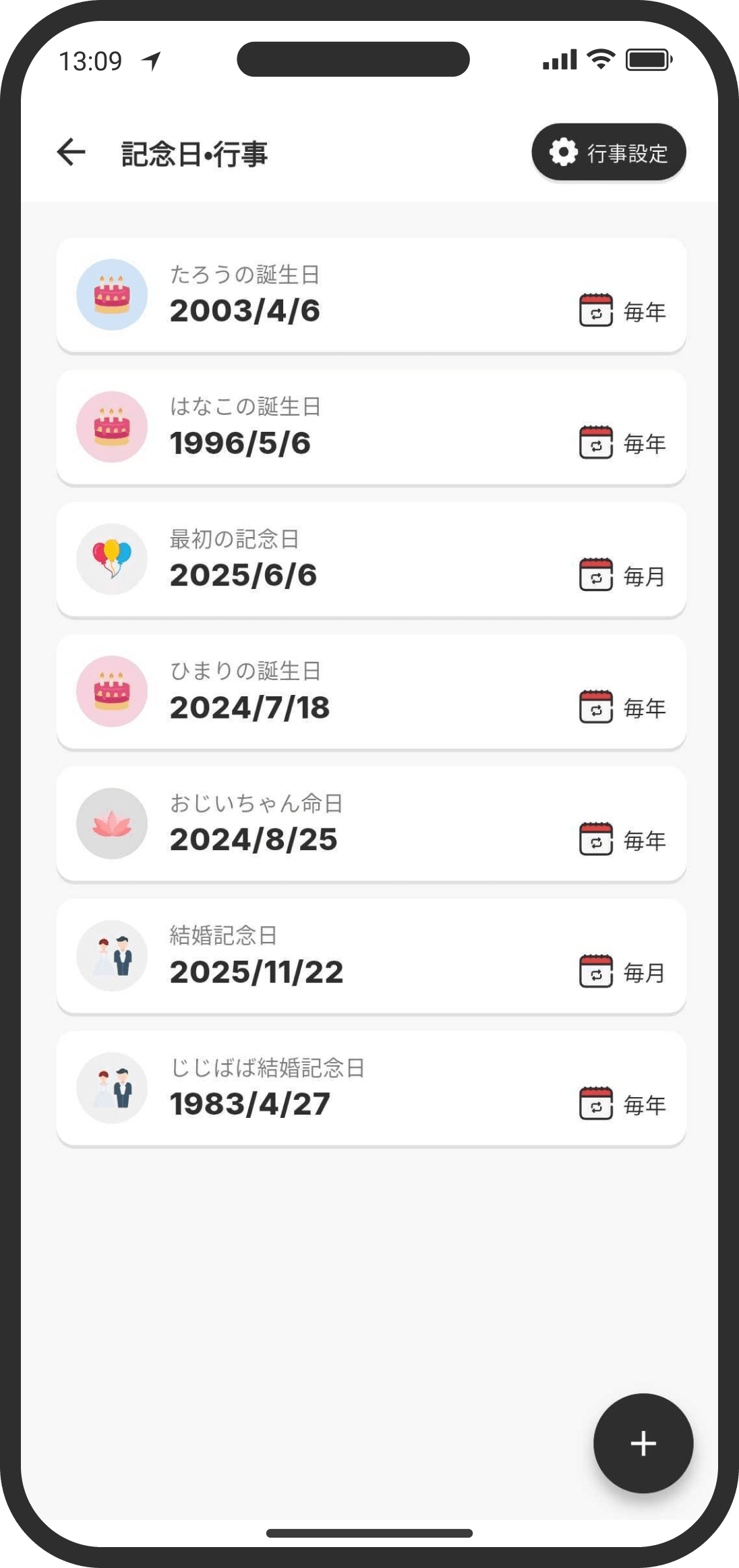
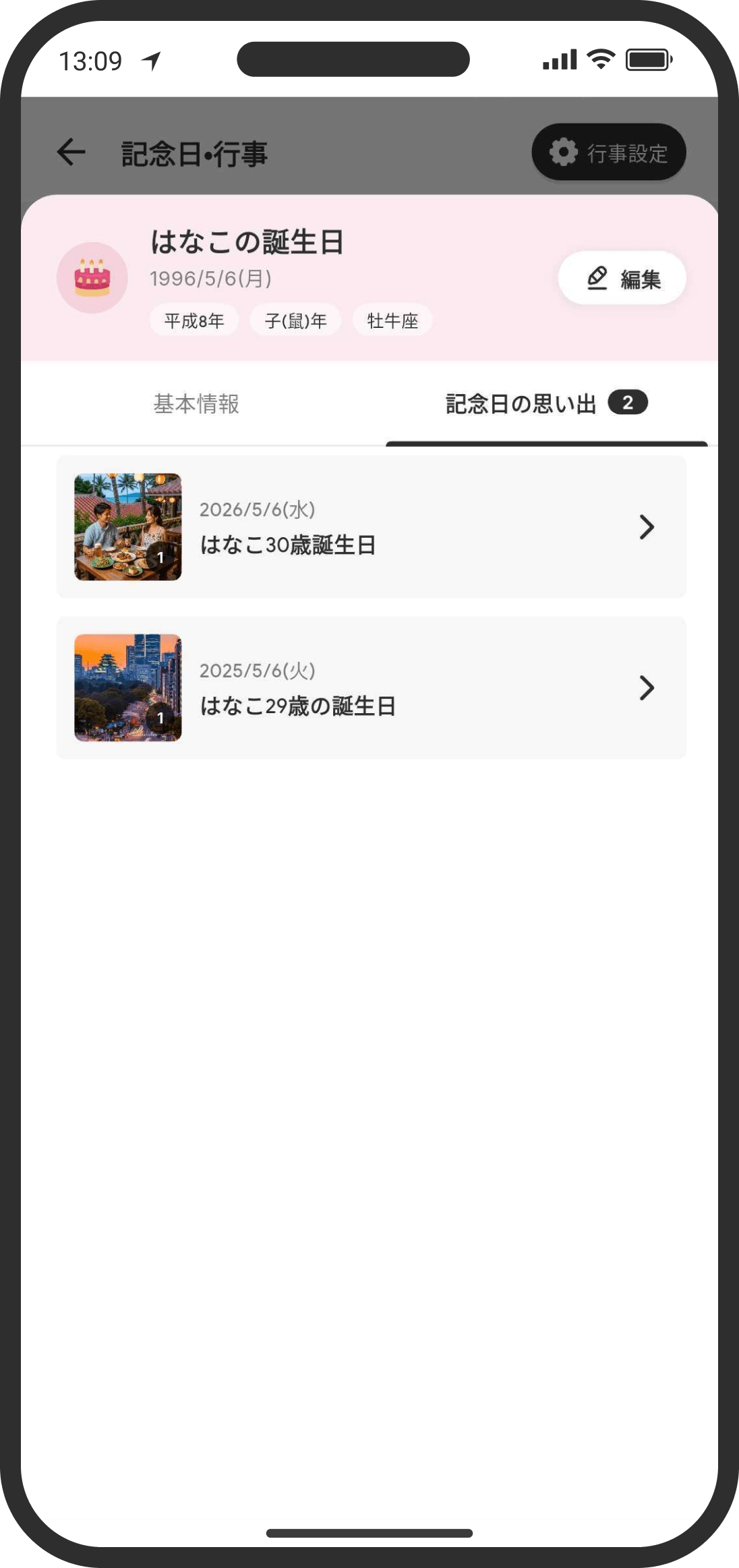
Saving your family's birthdays here comes in really handy, for example when you're filling out paperwork.
What is it?
Add anniversaries such as birthdays, wedding anniversaries, and death anniversaries to get monthly or yearly reminders on your calendar. Your own and your partner's birthdays, the day you started dating, and your wedding anniversary are added automatically from your profiles.
How to use it
- On the anniversaries page, tap "+" and fill in the following:
- Anniversary name: Enter a name, such as "Taro's birthday" or "Grandpa's death anniversary."
- Anniversary type: Choose from "Birthday (male)," "Birthday (female)," "Wedding anniversary," or "Death anniversary."
- Anniversary date / Date of passing: Enter the date.
- How often to celebrate / Monthly death anniversaries: Choose whether to show the anniversary every month or every year.
- Note: Add a note about this anniversary. For example, the time of birth and birth weight, gift preferences, or which relatives to invite to a memorial service.
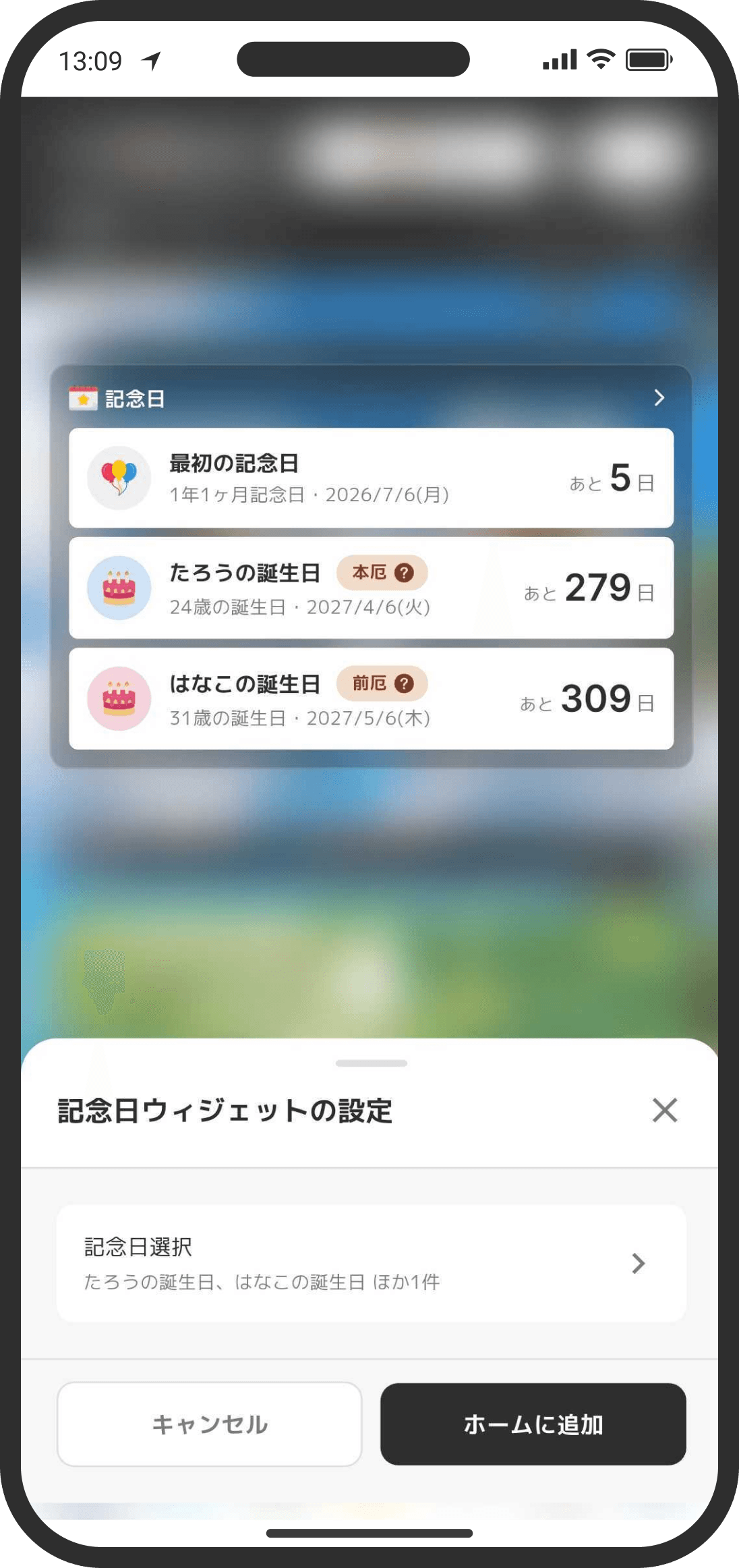
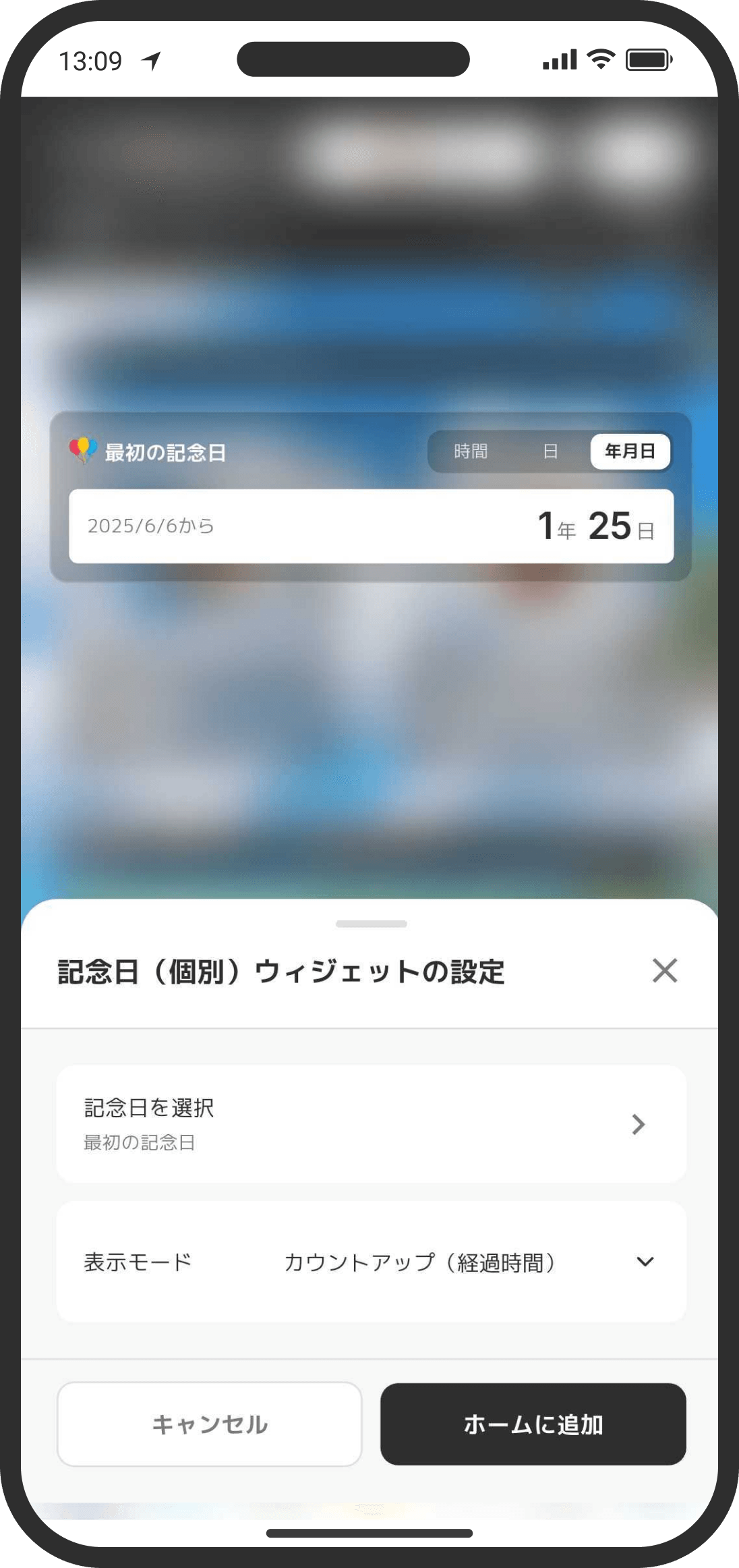
- Anniversaries appear on the calendar and the Home screen. (In Default mode, they show in the "Anniversaries" chip on the Home card and as a countdown in the heading. In Custom mode, they show in the calendar widget and the anniversary widget.)
FAQ
Q. When do they start showing on the Home screen?
For yearly anniversaries, a countdown appears 1 month before. For monthly anniversaries, it appears 2 weeks before. (In Default mode, it shows in "Anniversaries" on the card. In Custom mode, it shows in the calendar widget.)